Automatic setup for viewing in ClouDDy player
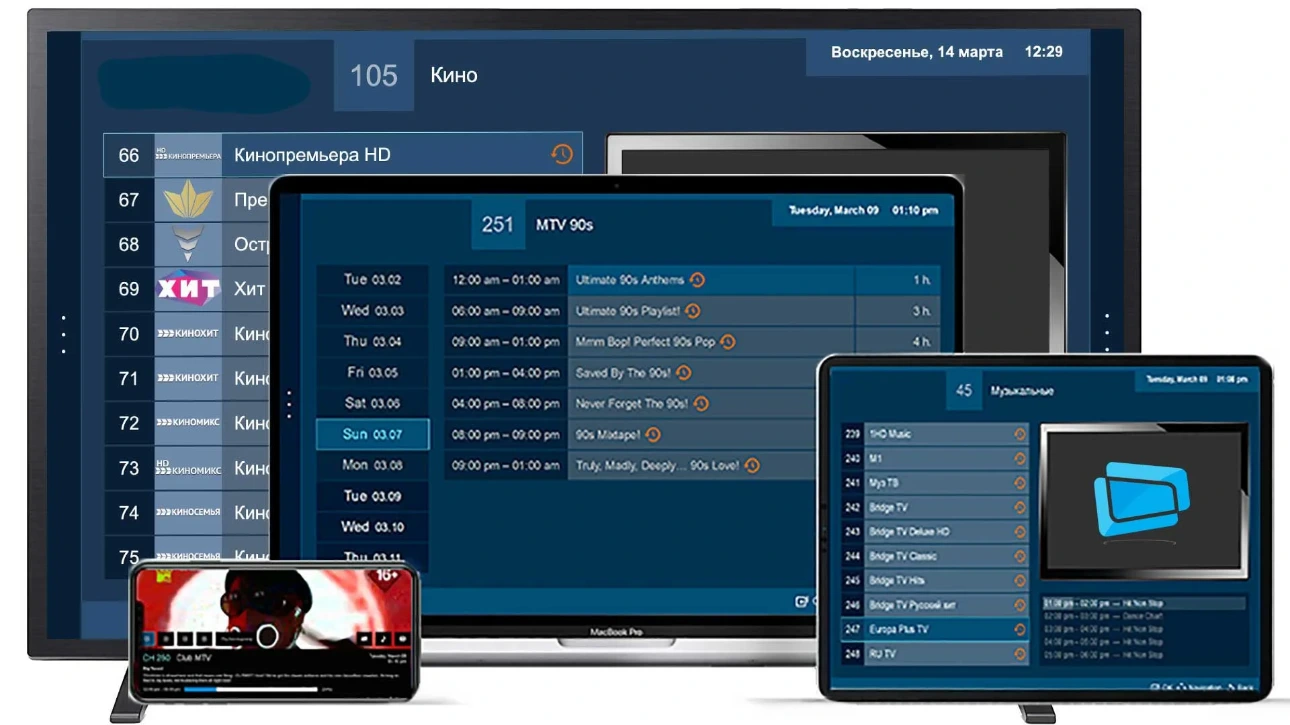
The ClouDDy cloud media player is designed for comfortable viewing of Sputnik TV, Parus TV, Grand TV and our other packages on various devices. Look for ClouDDy on Google Play, in the Amazon Appstore (Fire TV), the Roku Channel Store, the Microsoft Store (Xbox) and in the app stores of Samsung, LG, Philips, Sony, Toshiba, Sharp, Panasonic, TCL, Haier, AOC, BenQ, AXEN, Blaupunkt, BRÜHM, BOE, CVTE, ERGO, Hisense, Medion, Metz, Vestel, UMC TVs. ClouDDy also works on Windows, Mac and Linux computers and on Dune HD and MAG set-top boxes.
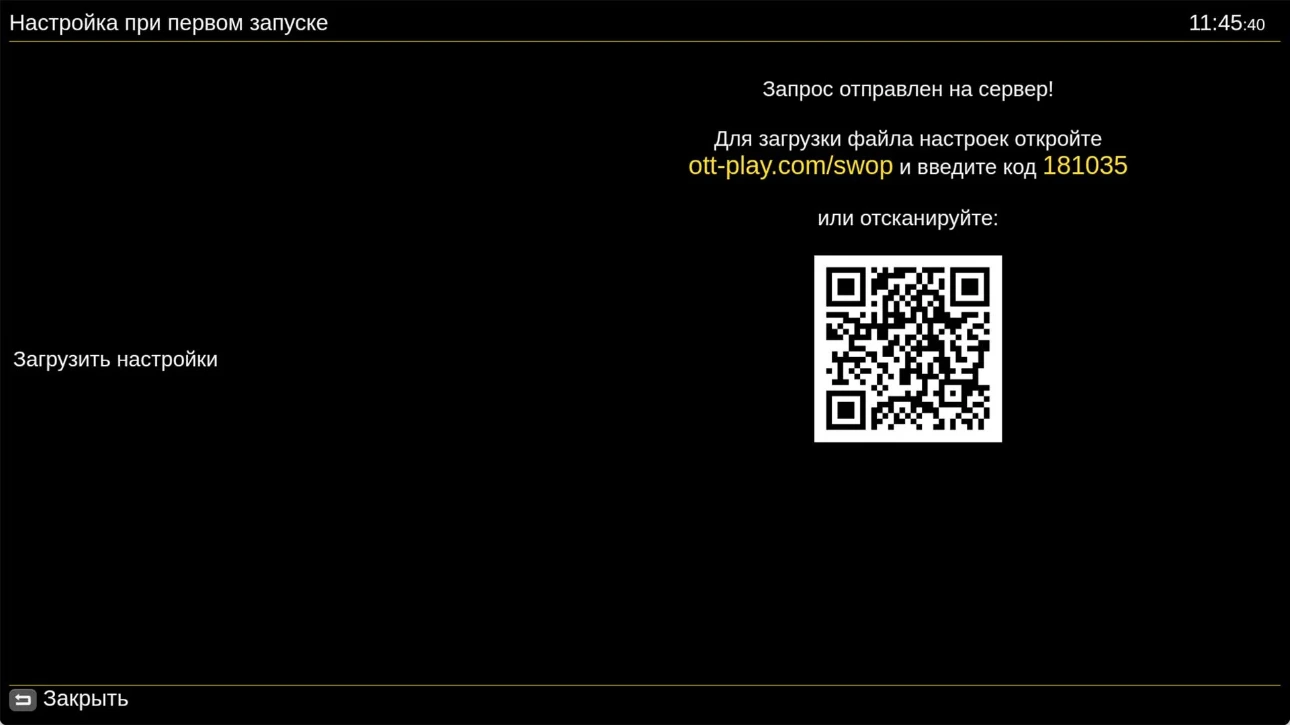
Instructions for using the ClouDDy player (Russian) Using an activation code, we can automatically configure TV viewing on your device. All you need to do is purchase a subscription, install the OTT-Play (Media Station X) player and share the code displayed on your screen with us. Once activated, playback should start automatically. Setting up OTT-Play with a code. To automatically load the playlist, share the code you see on your screen with our support team.Automatic setup for viewing in OTT-Play player